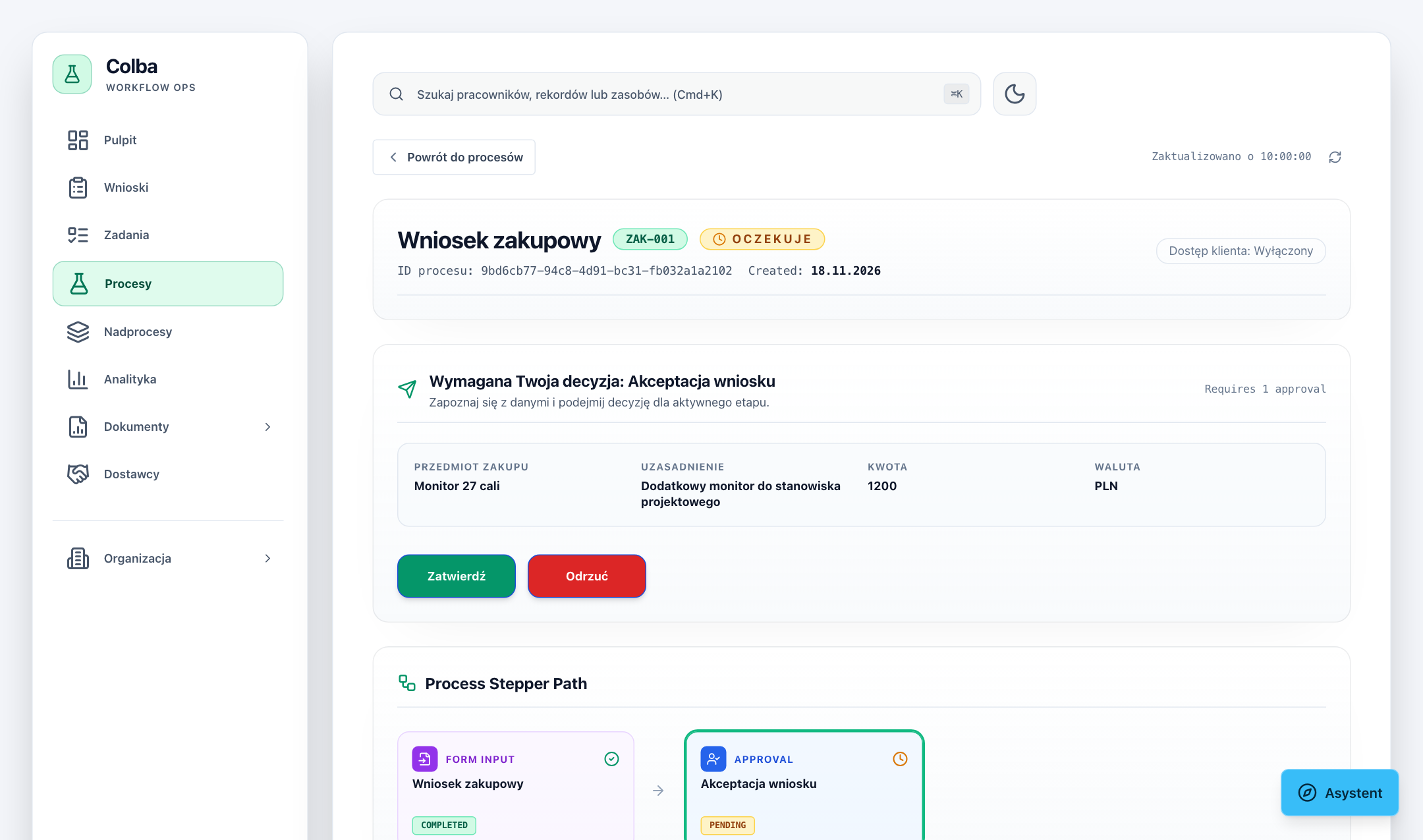
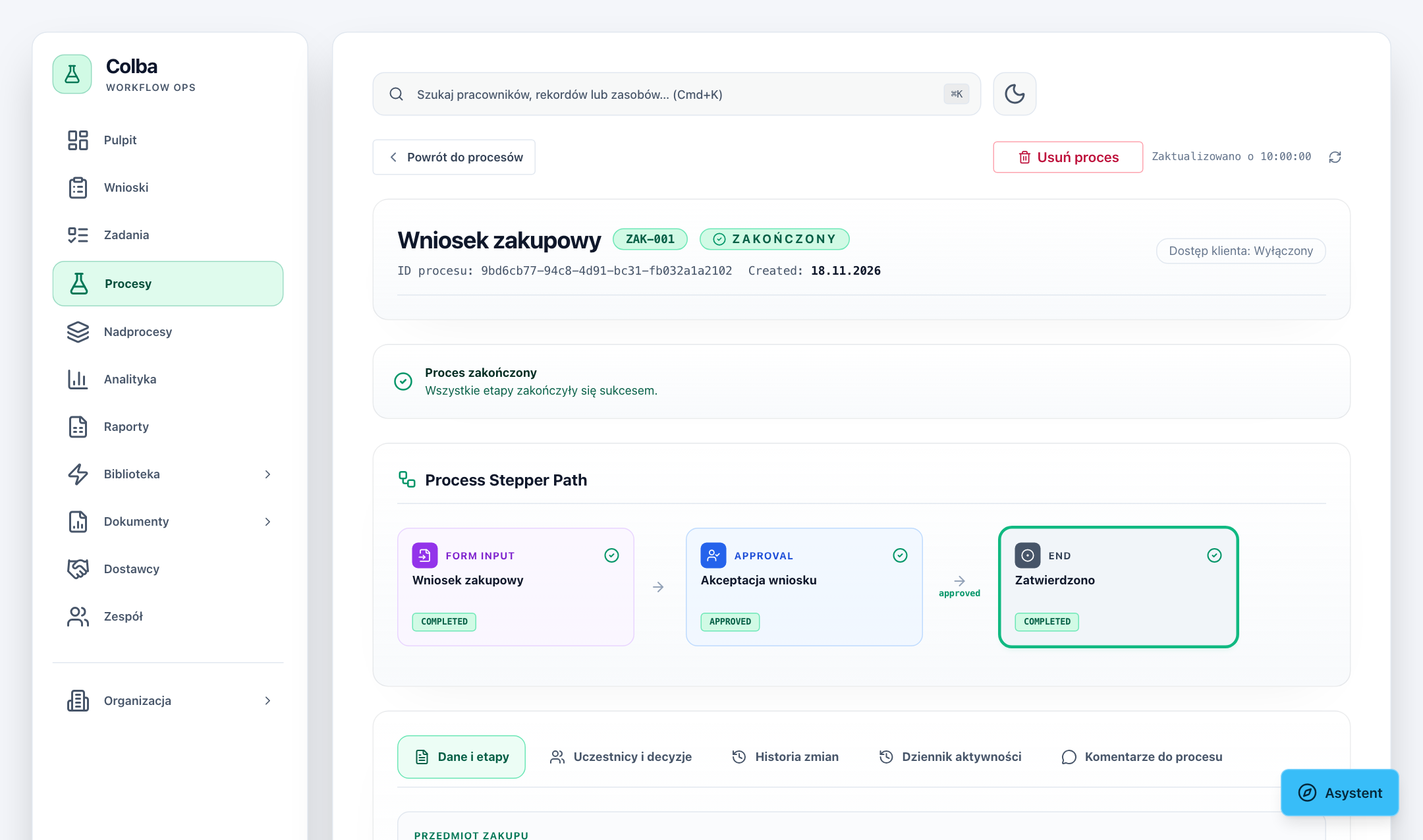
Build a workflow that collects request data, routes it for approval, and records the final decision.
Note: the interface and captions in the video are in Polish.
Set up the route
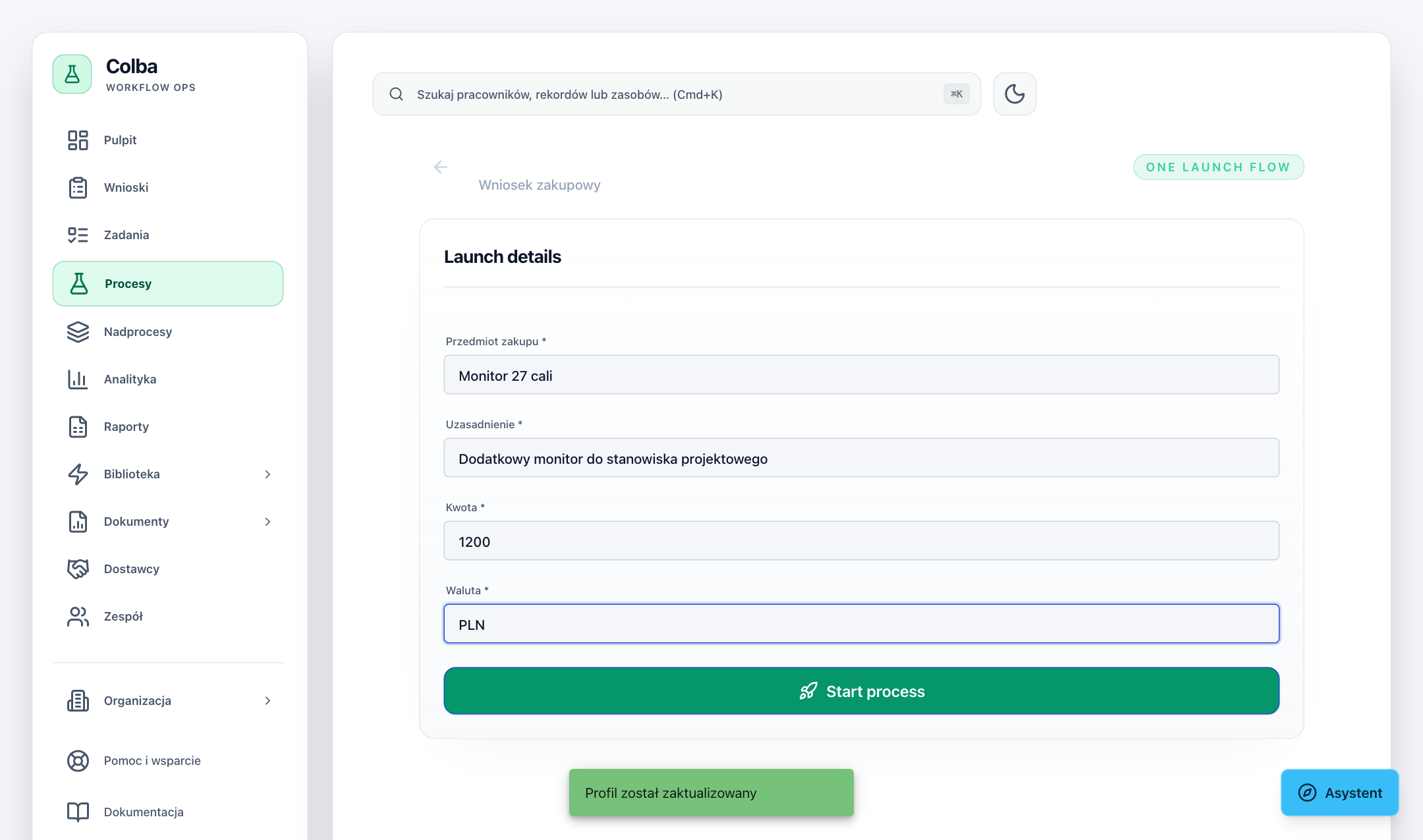
Start with one request type, such as a purchase. On the form, ask for the item, amount, currency, and justification. Assign the approver in the Team section, add an approval step, and configure separate outcomes for approval and rejection. If the requester needs to add missing details, route the return path back to the form.
Test both roles
Submit a test request as an employee and confirm it shows as pending. Open the approval task as the approver, check that all details needed for a decision are visible, and submit a decision with a comment. Run each path on a separate request to verify the final status and decision history shown to the requester.